Greek
Greek
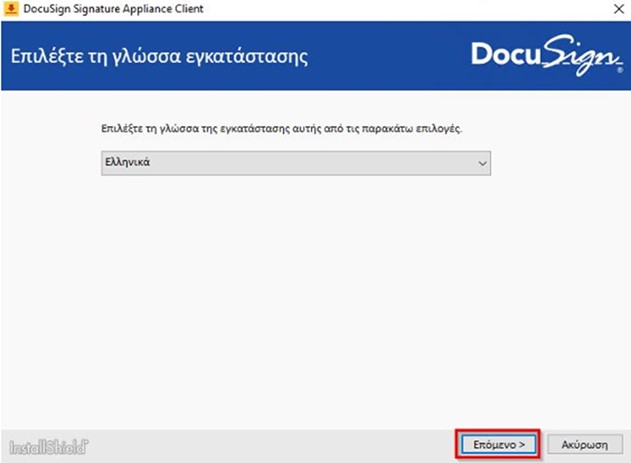
1. Download and install DSA Client’s installation file. Choose your language and click Next/Επόμενο.
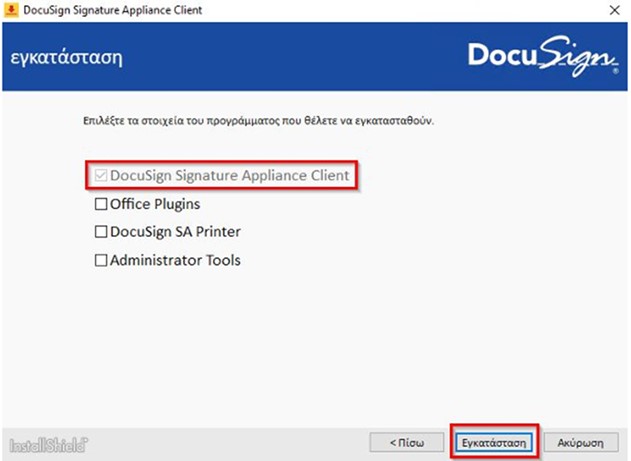
2. Clear all options except DocuSign Signature Appliance Client and then click Install/Εγκατάσταση.
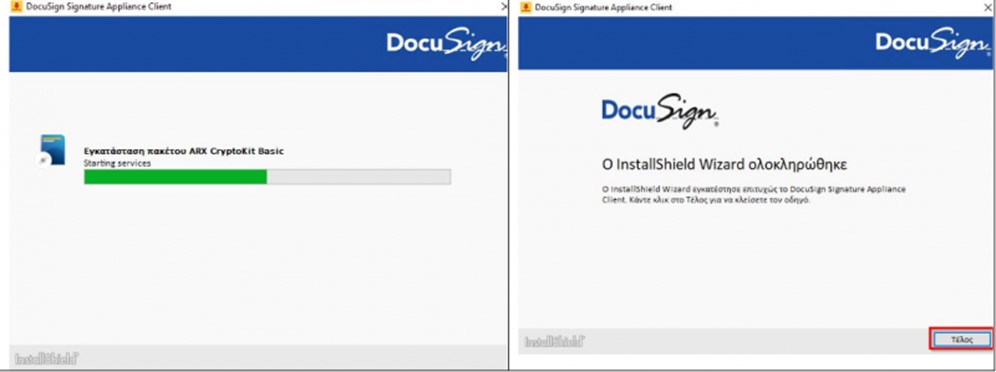
3. Wait until the installation process is over and click Finish/Τέλος.
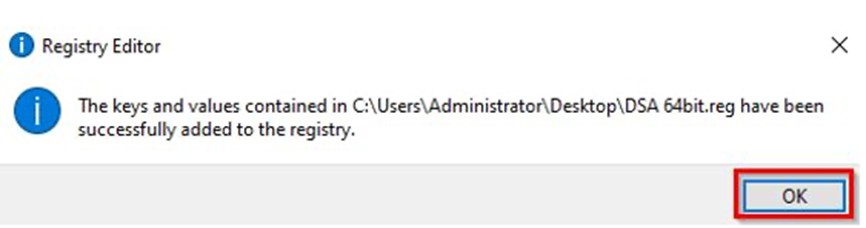
4. Download, unzip and run the DSA Registry file to get the required settings in your computer. Click Yes and Νο.